

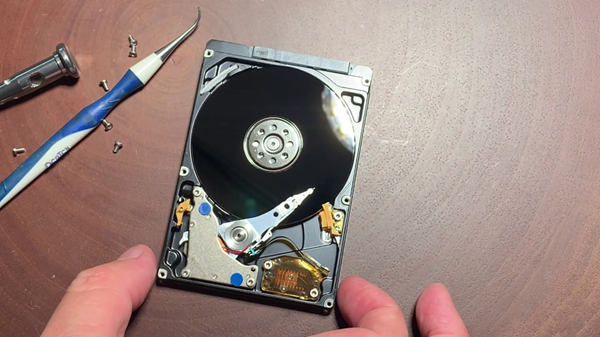
The sole purpose of using a hard disk to store data is to keep all important and scattered data in one place and in an organized manner. But, how can you ensure that you will not face the same threat of losing your data in a hard disk? Well, there isn’t! Every device you use to store your data is at risk of being compromised and losing it all. However, you can always take some preventive measures to keep your data safe, and if everything fails, there is always the option of hard disk data recovery.
Data Back-up
The safest way to keep your data safe is to create a backup and update it on a regular basis. The uncertainty regarding the device failing or getting infected by malware or any other threat always lingers, so the only way to ditch it is to keep yourself prepared for the worst.
Limited Data
People often intend to overload a single disk with a large volume of data, leading to the deteriorating health of the disk and further data loss. The best is to keep 2- 3 different devices for storing the data. If it happens that one of your devices fail or suffers data loss, not all your crucial data is lost and some is still safe and sound.
Physical Damage
Not just using anti-virus installed devices, but monitoring the physical health of the disk is also important, and keeping them from any physical damage like power fluctuations, fire, rain, and even dust. Though you never know what can lead to the damage, you can always prepare for it, like creating a fire and water-free space zone to store your disks and drives.
PC’s Temperature
Your PC’s or laptop’s temperature you are using it to connect to your hard disk is overheating, and you can feel the temperature, immediately switch off the device and remove your hard disk to save it from getting affected, because it can lead to permanent data damage.
Keeping your hard disk safe from getting damaged so that you don’t lose your important data and information is crucial. The steps shared above are not the solution, but preventive measures.
